
See at a glance who is available.
The presence dashboard for Microsoft Teams: live status, phone number, work location, and status message of every employee on one board – in the Teams client and in the browser.
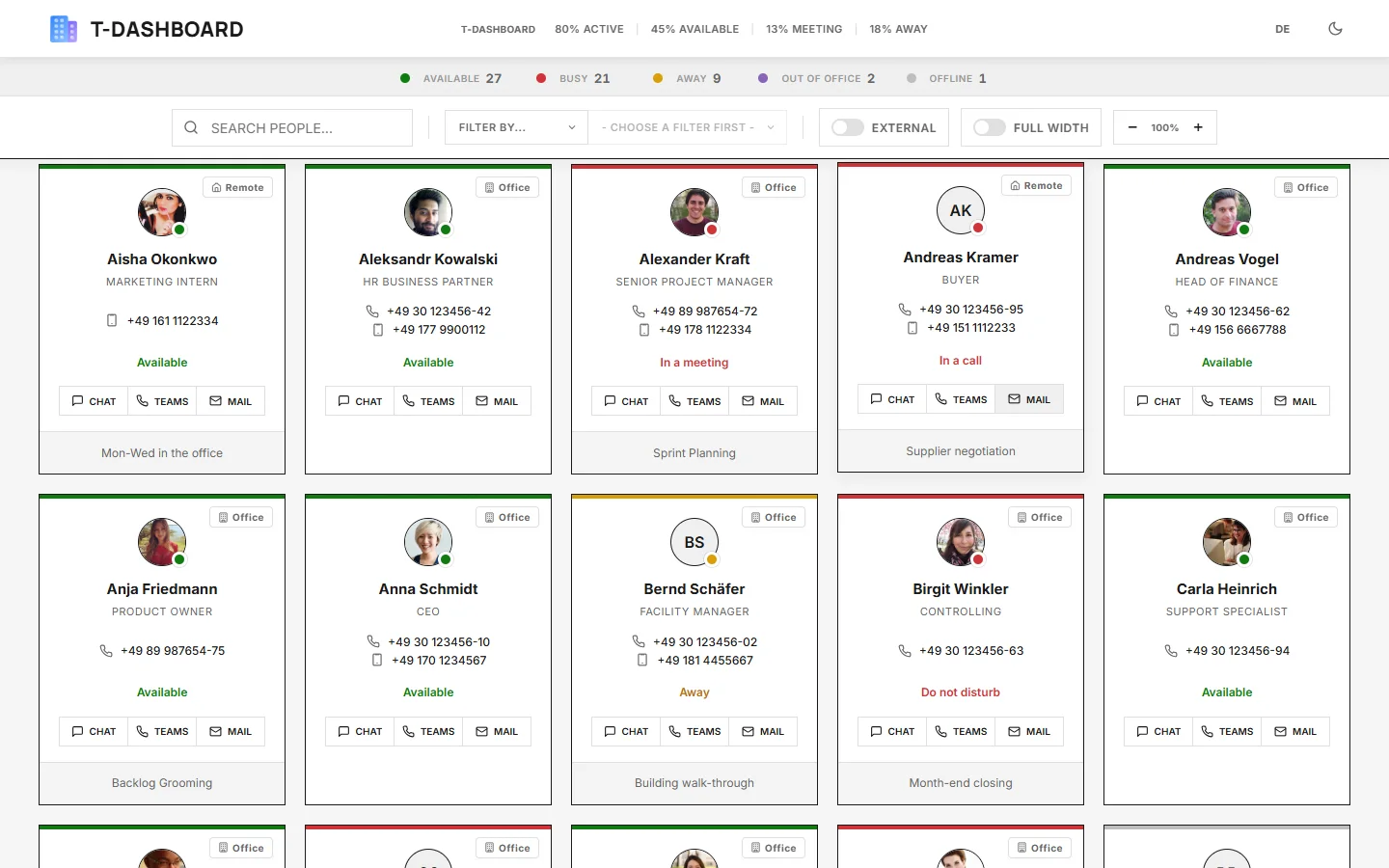
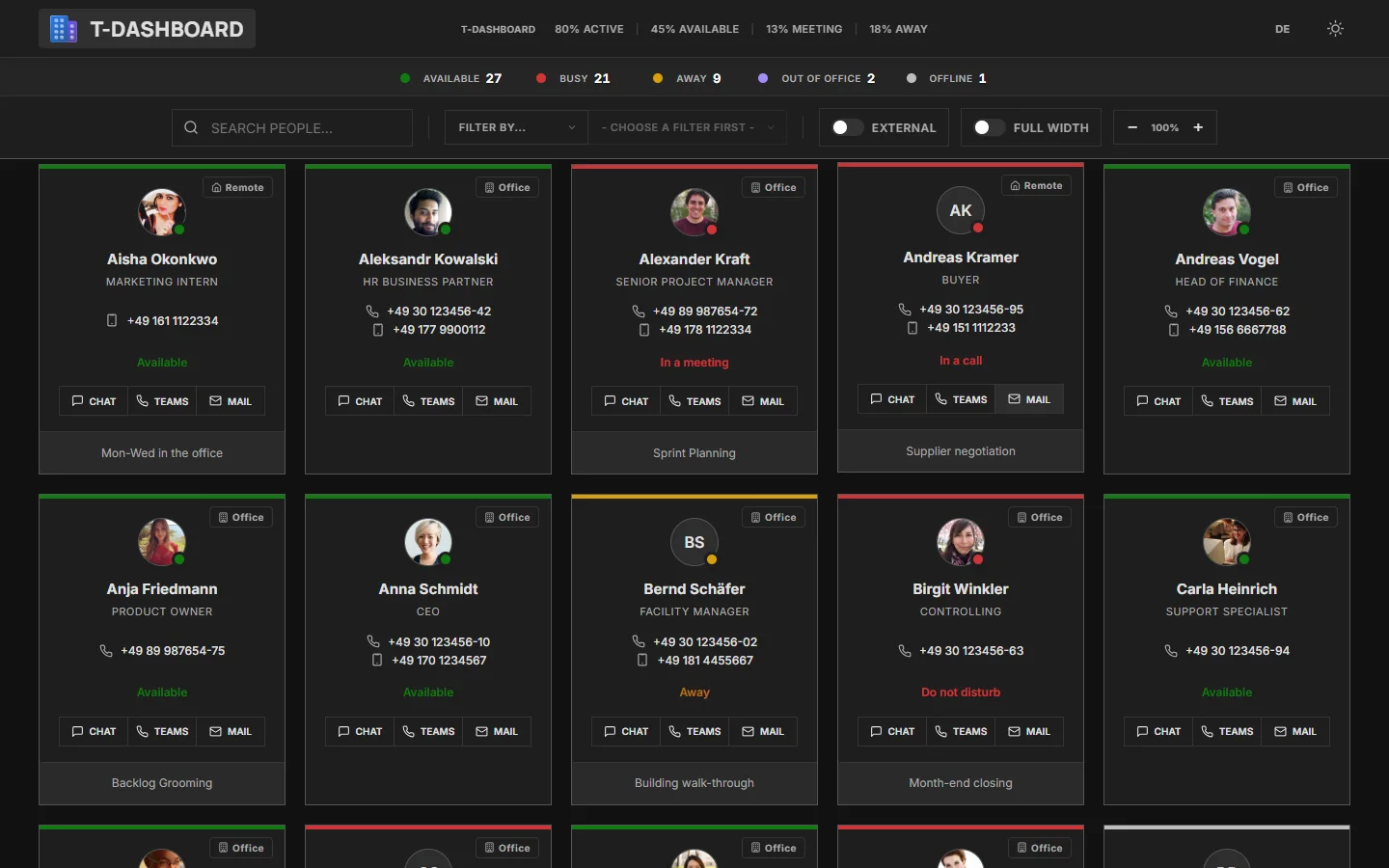
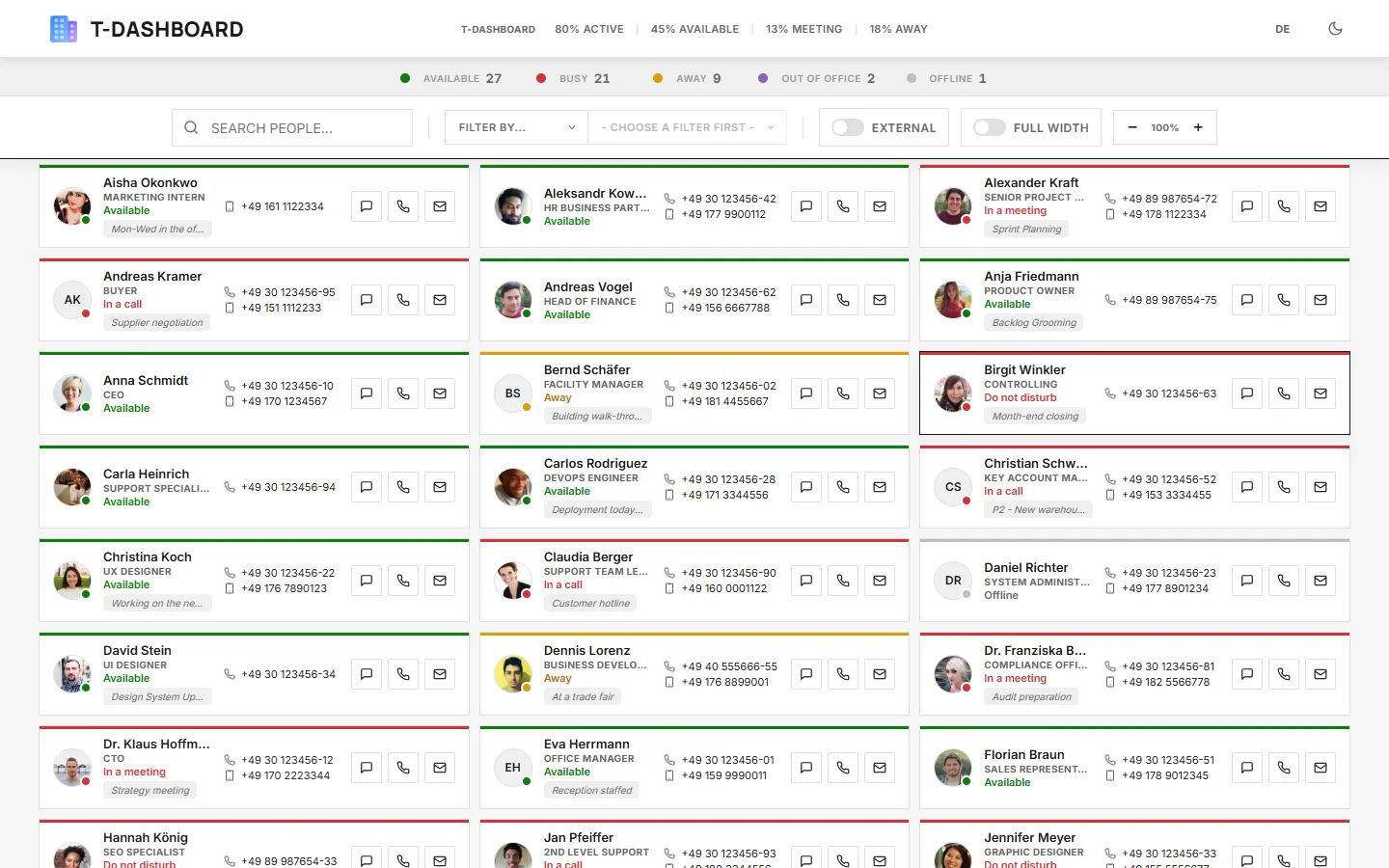
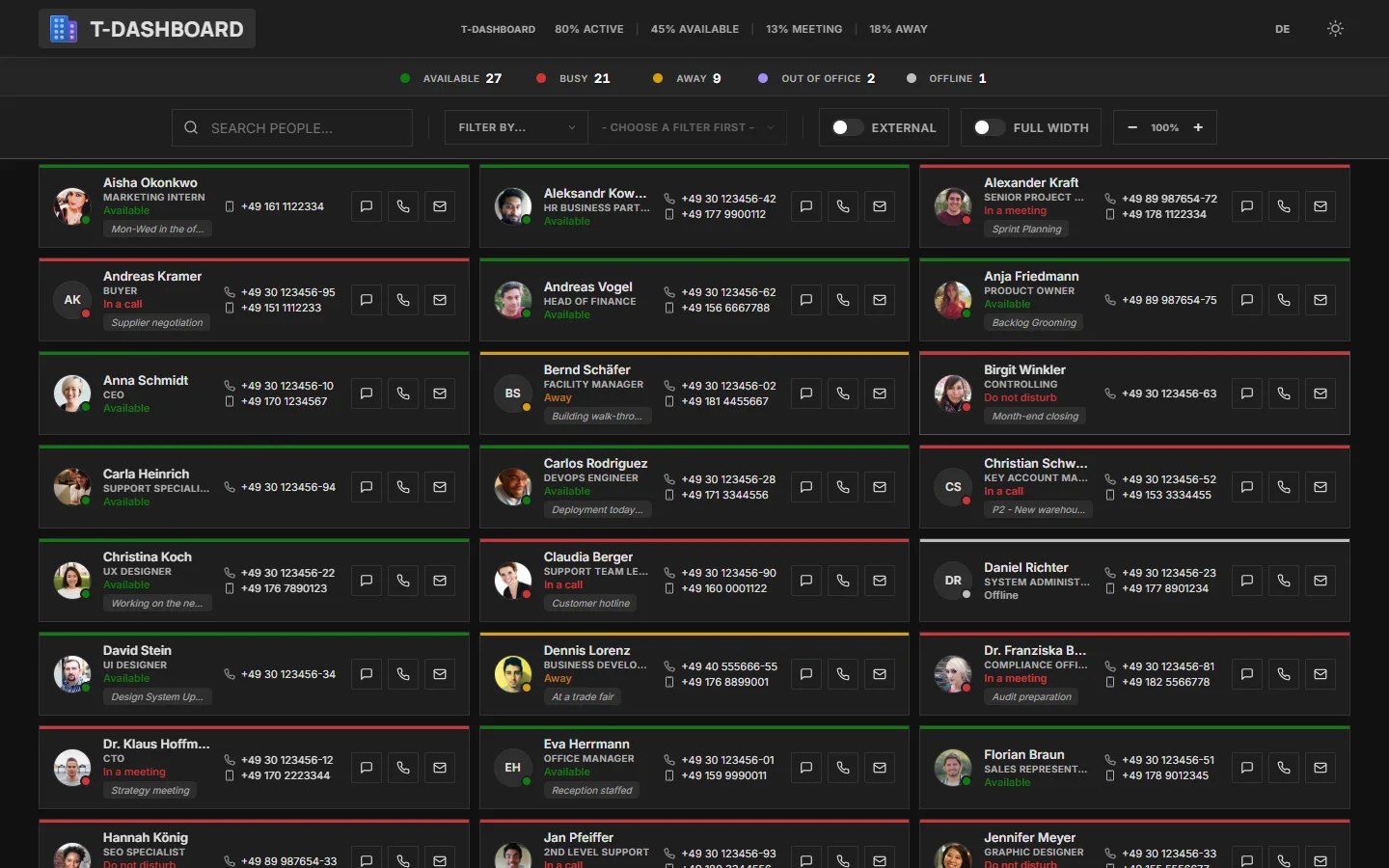
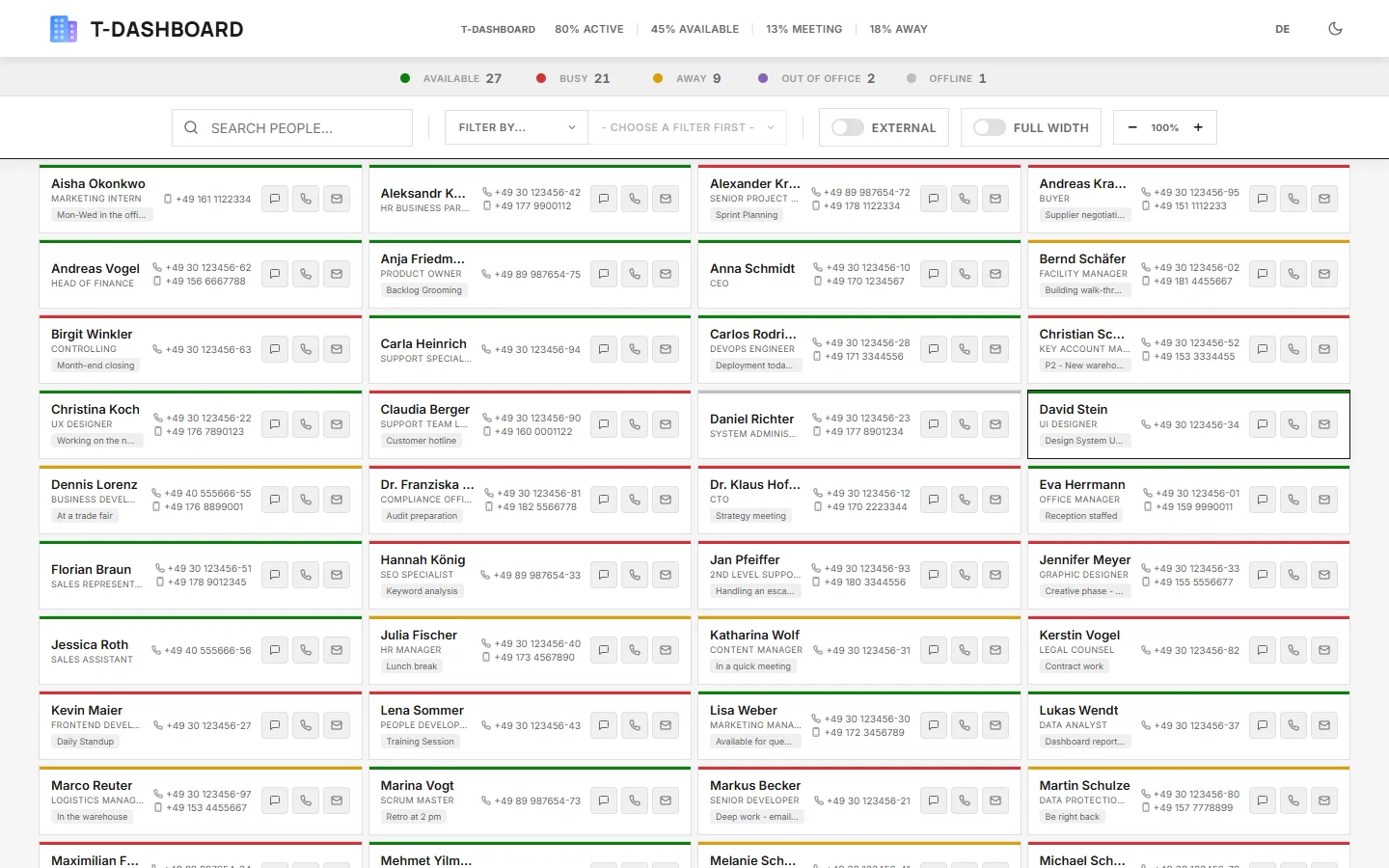
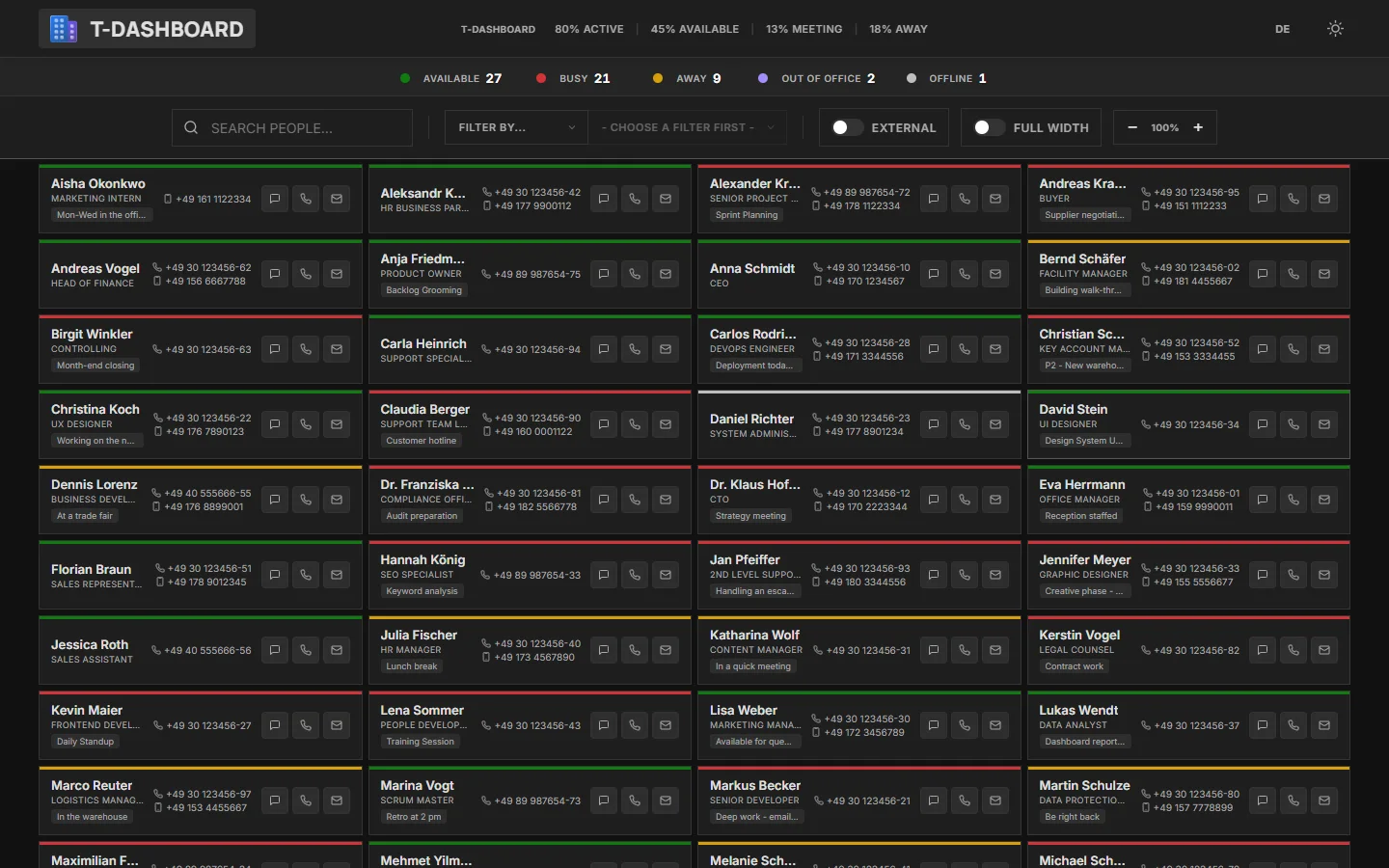
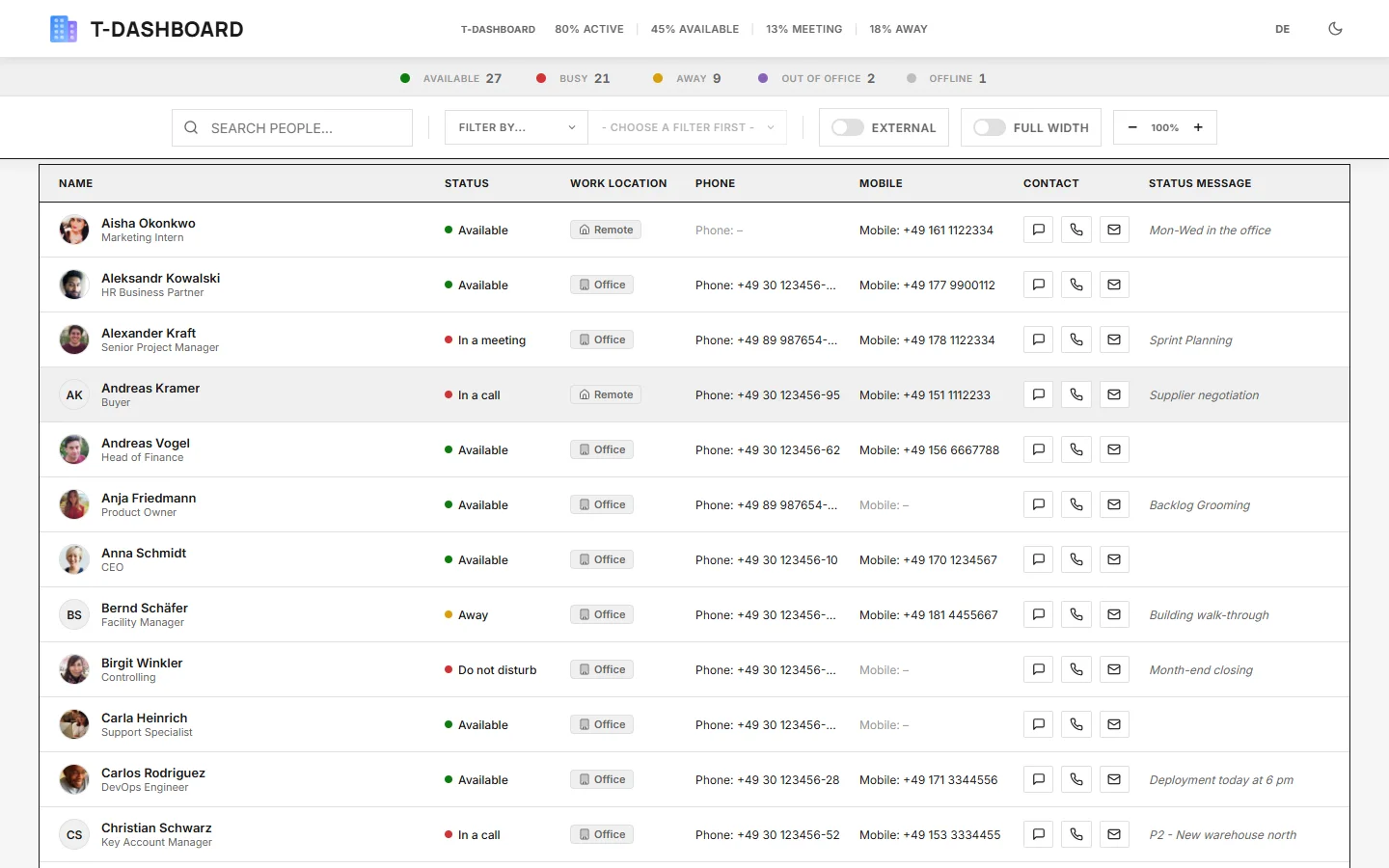
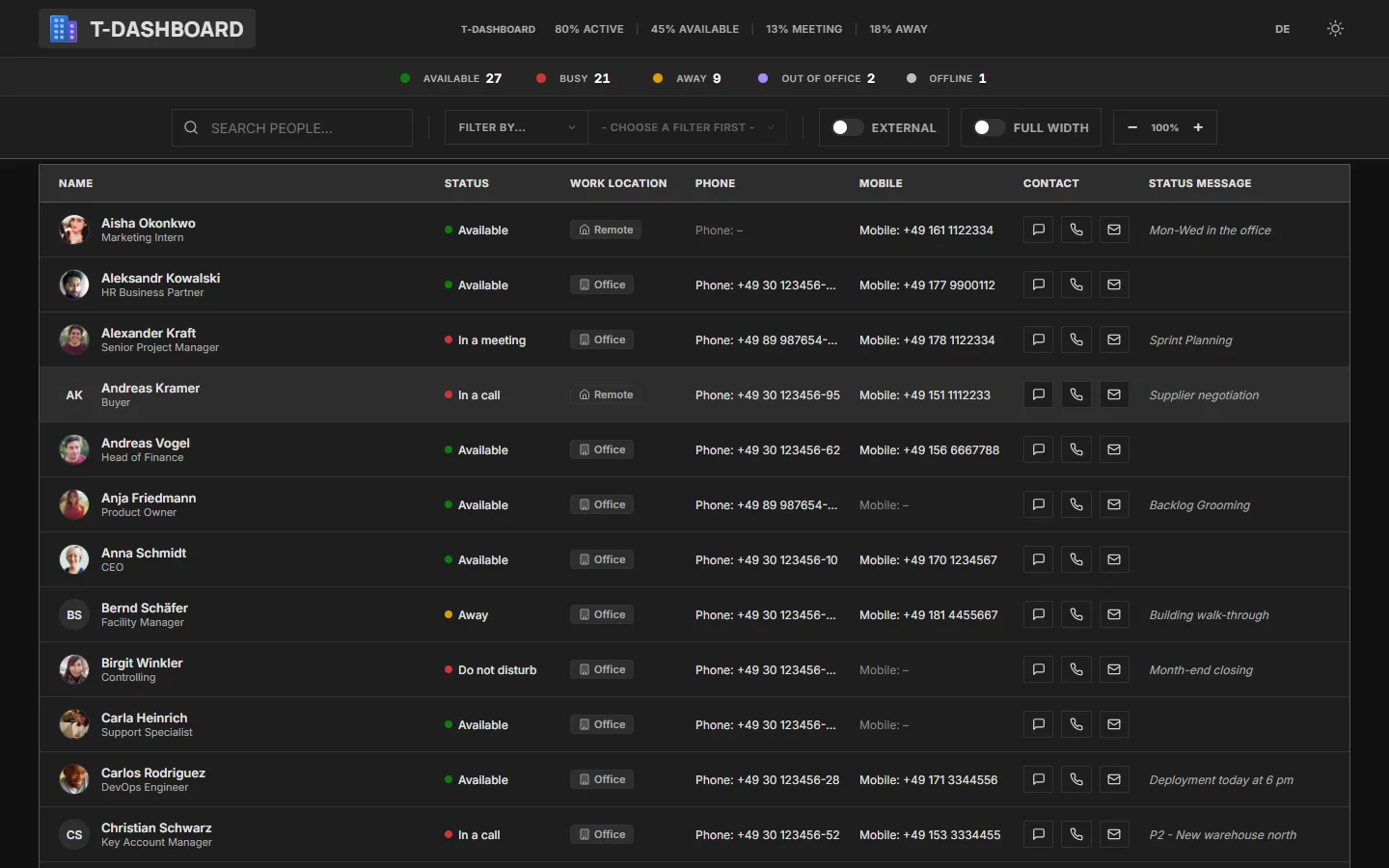
One dashboard. Everywhere your team is.
The same application, the same branding – as an app in Microsoft Teams, in the browser, on the screen at reception, and on your phone.

As an app in Microsoft Teams
Your own app in the left rail, signed in automatically through Teams. Generate the package in the customer portal and upload it in the Teams admin center.
In the browser
Your personal link with your branding, Microsoft sign-in – on any device, nothing to install.
On the screen at reception
Full-width mode for lobby screens and team monitors: the whole organization on one display.
On your phone
Fully responsive – check status and call, wherever you are.
What Teams alone does not show
Microsoft Teams shows status only in a chat or on a profile card. TeamsDashboard shows the whole organization on one board – with everything you need for the next call.
Four views
Cards, compact, minimal, or list – whatever fits the screen and the task. From lobby display to laptop.
Live status in real time
Available, busy, in a meeting, or away – including status message and out-of-office notice from Outlook.
Phone number right on the card
Every phone number visible at once. Call, chat, or email with a single click.
Filters and grouping
Filter by status, department, office, job title, or work location and combine freely. Grouping follows automatically.
Work location at a glance
Office, home office, or on the road – as a badge, a filter, and a column of its own. Built for hybrid teams.
Visibility on your terms
Who can use the dashboard and who appears on it is controlled through Microsoft 365 groups. Branding, Teams package, and billing are self-service too.
Up and running in under 5 minutes
No project, no installation. An administrator signs in, grants consent – done.
Sign in with Microsoft
Start the trial with your Microsoft 365 account – no credit card.
Grant consent
An administrator confirms access to presence and profile data once and signs the data processing agreement with a single click in the customer portal.
Get started
The dashboard is ready immediately – in the browser and as an app in Microsoft Teams. Manage groups, branding, and the Teams package yourself in the customer portal.
Employee data stays in your Microsoft 365.
TeamsDashboard reads presence and profile data directly from Microsoft and displays it in the browser. None of it is stored on our servers. Developed and operated by SSIG-IT GmbH in Germany.
Privacy policyData processing agreementTechnical and organizational measures
Hosted in Frankfurt
Operations and database run in the EU, in Frankfurt am Main.
DPA with one click
The data processing agreement and the technical and organizational measures are public and signed online in the customer portal.
Sign-in through Microsoft only
No separate password, no separate user directory: access exclusively through your Microsoft 365 and only for your organization.
Visibility in your hands
You decide who sees whom through Microsoft 365 groups – changeable at any time in the customer portal.
One price, everything included
€4.25per user per month, plus VAT
- All features included
- Cancel monthly
- Free 14-day trial
Frequently asked questions
Do I need to install anything?
No. TeamsDashboard runs in the browser and as an app in Microsoft Teams. Download the ready-made Teams app package from the customer portal and upload it in the Teams admin center.
What do my employees see of each other?
Name, photo, job title, department, office, phone number, presence status, status message, and work location – exactly as maintained in your Microsoft 365. Who uses the dashboard and who appears on it is controlled through Microsoft 365 groups in the customer portal.
Are administrator rights required?
Once, yes: an administrator grants consent for your organization and signs the data processing agreement in the customer portal. After that, every employee signs in without special rights.
Do you store our data?
Employee and presence data never. It is retrieved directly from Microsoft and shown only in the browser. We store contract, license, and branding data only – such as company name, contact email, license size, and your logo.
What happens after the trial?
Nothing is charged. After 14 days access ends until you upgrade in the customer portal – groups, branding, and Teams package stay saved for that.
How do I cancel?
Self-service at any time, effective at the end of the current billing month – directly in the customer portal under Billing or informally by email. Invoice customers cancel according to their individual agreement.
Ready for the full picture?
Try TeamsDashboard for 14 days with your entire organization – no credit card, nothing to install.
No credit card · cancel monthly · ready in under 5 minutes